
AI Photo Shadow Remover

Remove Shadow from Photo β€” Free AI Shadow Remover

Remove unwanted shadows from portraits, product photos, and documents online free with our AI shadow remover. Clean, evenly lit photos in seconds.

Upload Image to Remove Shadows

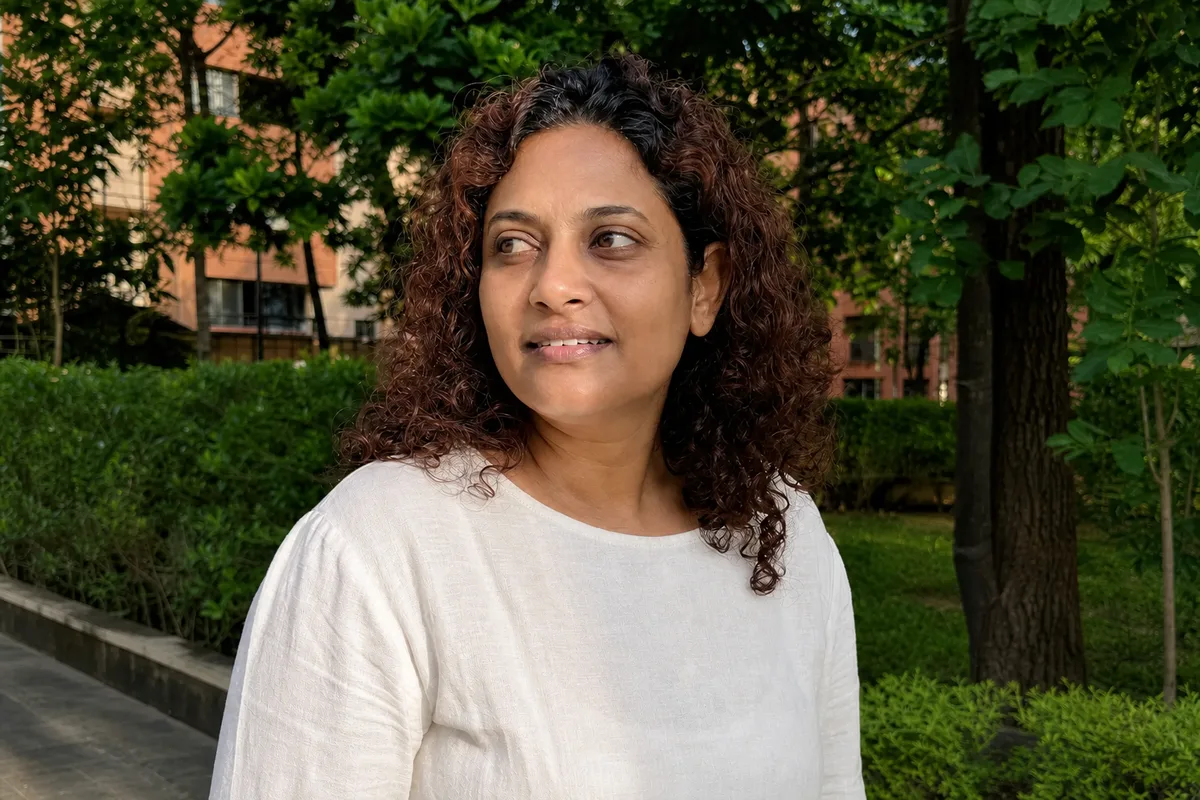
Clean evenly lit portrait after AI shadow removal
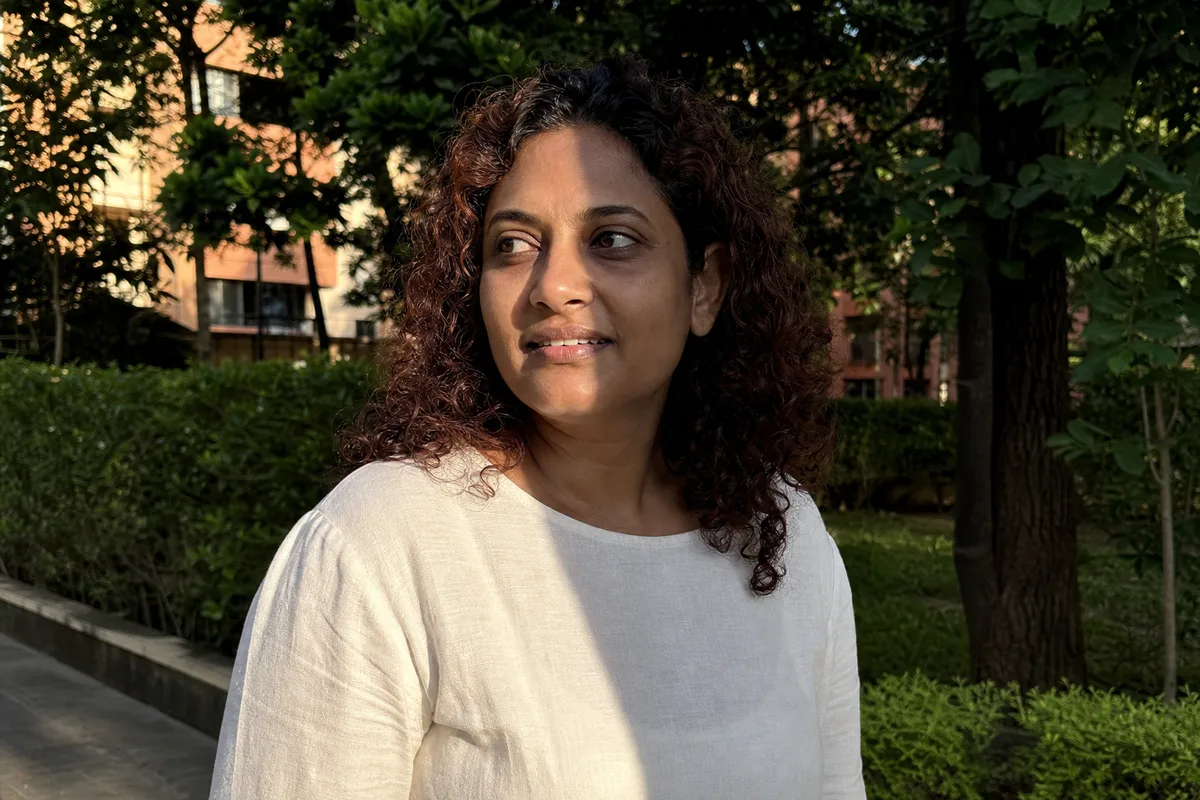
Portrait photo with harsh shadow before AI removal
Original
Processed
Drag the handle to compare before & after
Upload your photo

Drop your photo here or click to upload

Supports JPG, PNG (Max 10MB)

Advanced settings

Costs 6 credits Β· No card needed to start

Natural relighting
Up to 4K output
Private processing

Remove Shadows from Any Photo

Portraits, product shots, documents, everyday phone photos β€” our AI shadow remover handles every kind of unwanted shadow.

01

Portraits & Selfies

Remove shadows from faces caused by harsh sunlight, hat brims, or side lighting. The AI evens out skin tones and restores natural detail without smoothing or reshaping features β€” perfect for headshots, dating profiles, and ID photos. It also softens under-eye shadows and heavy beard shadow in portraits. It also works on group shots where one face sits in shade while the rest are brightly lit.

Evenly lit portrait after AI shadow removal
Portrait photo with harsh shadow across the face
Before
After

02

Product & E-commerce Photos

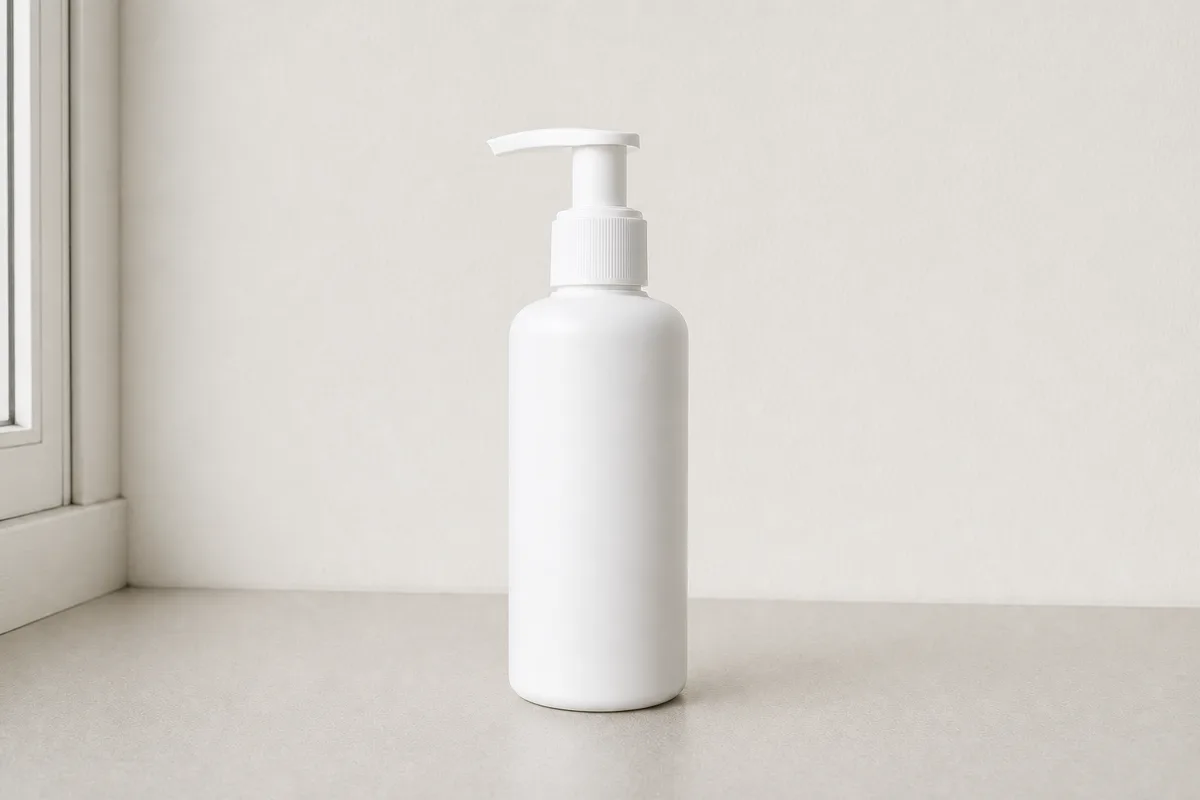
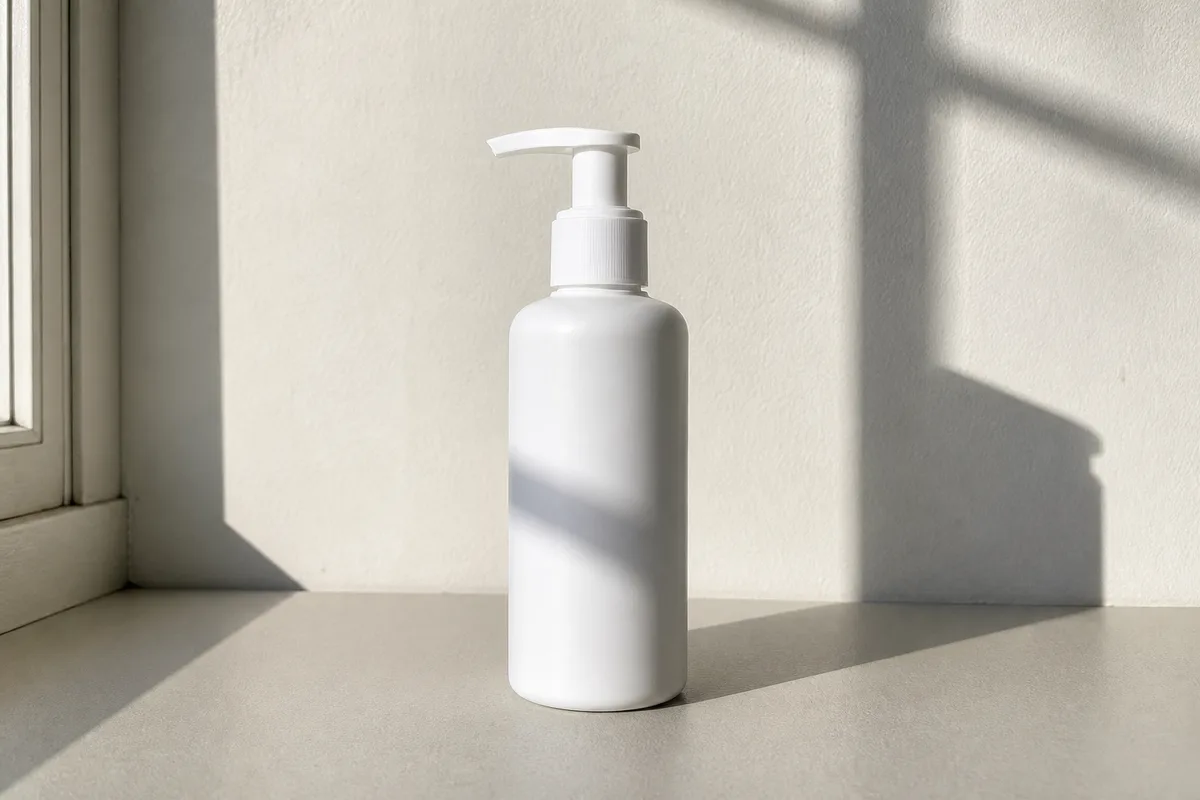
Clean up cast shadows and light bands on products and backgrounds. Our background shadow remover keeps a soft, natural contact shadow so items never look like they are floating β€” ready for Amazon, Etsy, and Shopify listings. Batch upload is supported, so you can clean an entire catalog in one session.

Clean product photo with even background after shadow removal
Product photo with distracting cast shadow on the background
Before
After

03

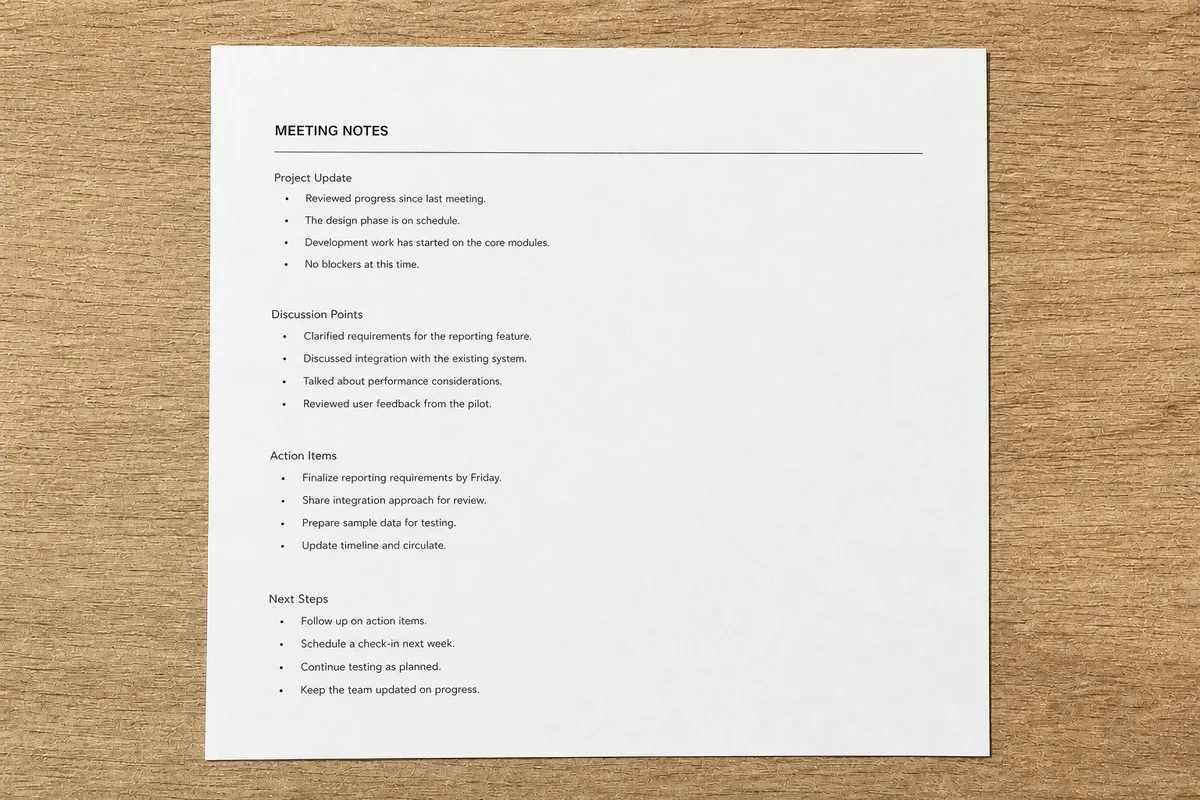
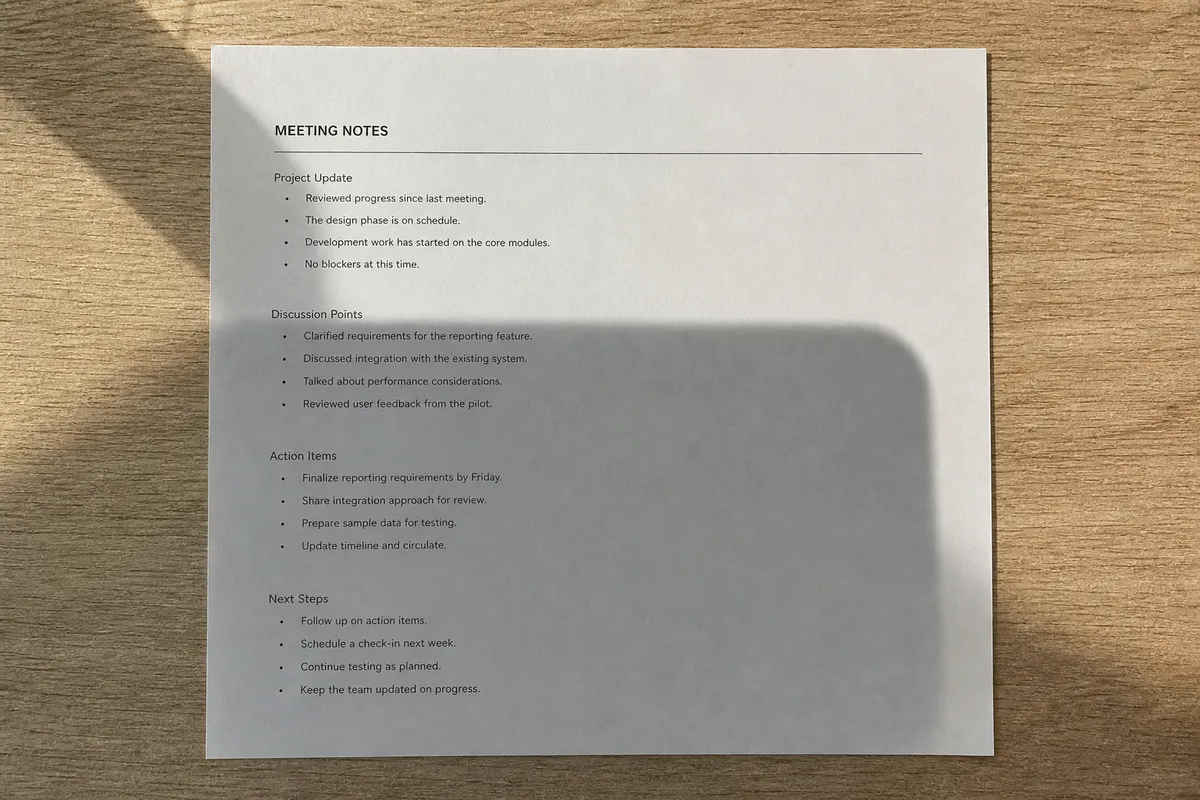
Documents & Book Pages

Photographed a page and got a dark shading band across it? The AI removes document shadows and lighting gradients while keeping every character razor-sharp β€” great for notes, receipts, contracts, and scanned book pages. Shading and page-curl gradients disappear too, so text stays perfectly readable after printing or OCR.

Uniformly bright document page with shadows removed
Photographed document page with shadow band across the text
Before
After

04

Everyday Phone Photos

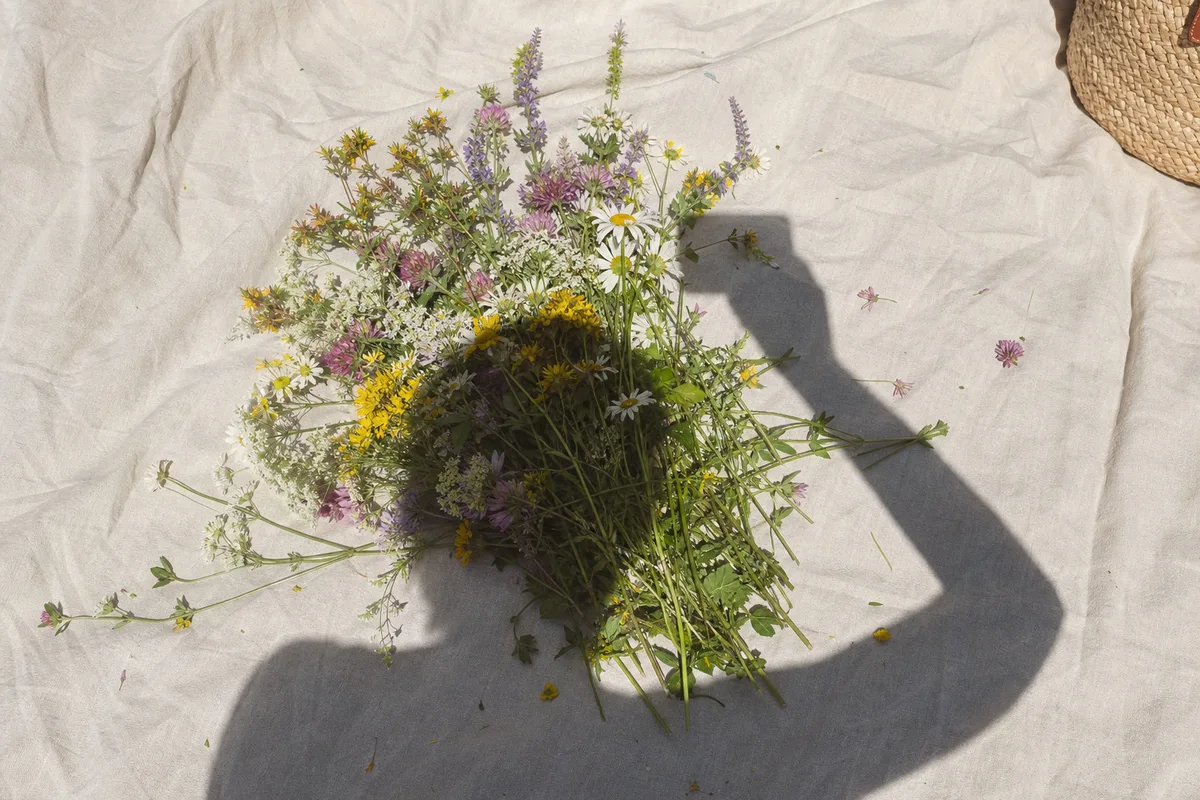
Your phone or your own arm often casts a shadow right over the subject. Upload the shot and the AI removes the phone shadow from the photo and rebalances the light, saving pictures you can never retake. It works just as well when you re-photograph an old printed picture and your own outline lands across it.

Same photo with the shadow removed and lighting rebalanced
Phone photo with the photographer’s shadow falling over the subject
Before
After

How it works

How to Remove Shadow from Photo in 4 Steps

From upload to download in under a minute β€” here is how the shadow remover works.

1

Upload Your Photo

Drag and drop or click to upload the image with unwanted shadows. JPG and PNG up to 10MB are supported.

2

Pick a Mode

Leave Smart Detect on for most photos, or choose Portrait, Product, or Document to fine-tune how the AI treats the shadow.

3

Let the AI Remove the Shadows

The AI detects shadowed areas and rebuilds them with natural lighting and true colors. Processing takes seconds.

4

Compare & Download

Drag the before/after slider to inspect the result, then download the clean version in up to 4K.

Why Our AI Shadow Remover Works

Most tools just brighten dark areas. To remove shadow from photo properly, our AI rebuilds what is under the shadow β€” true colors, texture, and detail β€” so you get rid of the shadow without changing the rest of the photo.

Natural Relighting

The AI understands what sits beneath a shadow and repaints it with realistic lighting that matches the rest of the scene β€” no gray smudges or flat patches. Soft contact shadows that anchor objects to the ground stay in place unless they hide content.

Four Smart Modes

Smart Detect handles most photos automatically. Portrait, Product, and Document modes fine-tune the result for faces, e-commerce shots, and photographed pages.

Up to 4K Output

Choose 1K, 2K, or 4K resolution. High-resolution output keeps fine texture intact for prints, listings, and professional use.

Results in Seconds

Upload, click, done. Removing shadows from a photo takes about 10–30 seconds β€” no layers, masks, or editing skills required.

No Photoshop Needed

Skip the dodge-and-burn tutorials. Everything runs online in your browser β€” nothing to install, works on desktop and mobile.

Private & Secure

Photos are processed over an encrypted connection and deleted automatically after processing. Your images are never shared or used for training.

Shadow types

Types of Shadows the AI Can Remove

Different shadows ruin a photo in different ways. The AI looks at the light direction, the subject, and the surface before deciding how to rebuild each area. All four types can appear in the same image, and the AI handles them together in a single pass.

Most commonCast shadow on a ceramic vase before and after AI shadow removal

Cast shadows

Hard-edged shadows thrown by people, phones, or nearby objects across your subject or background. The AI separates the shadow from the surface and rebuilds the area with its true colors and texture.

Harsh face shadows

Side-light and overhead-sun shadows that darken eye sockets and split a face into bright and dark halves.

Background shadows

Distracting shadow shapes on walls and backdrops behind portraits and product shots.

Document shading

Page curl gradients, phone shadows, and lighting bands on photographed documents and book pages.

Why it happens

What Causes Unwanted Shadows in Photos?

Shadows appear whenever something blocks the main light source. Knowing the cause helps you pick the right mode β€” or avoid the shadow next time. Whatever the source, the fix is the same: upload the photo and let the AI rebuild the light.

01

Direct sunlight

Midday sun creates hard, high-contrast shadows under eyes, noses, and chins in outdoor portraits.

02

The photographer

Shooting with the light behind you drops your own silhouette onto the subject β€” common in document and food photos.

03

Indoor lighting

Single overhead lamps and mixed light sources cast overlapping shadows on faces, products, and walls.

04

Phones & hands

Holding a phone close to a page or small object almost always drops a phone shadow right over it.

ID & passport photos

Shadow-Free Passport & ID Photos

Passport and visa applications are routinely rejected for shadows on the face or background. A passport photo shadow remover fixes the picture you already have β€” no reshoot, no photo booth. Portrait mode keeps facial biometrics intact, so the corrected photo still passes automated checks.

Clean evenly lit portrait after AI shadow removal
Portrait photo with harsh shadow before AI removal

Face shadows

Government guidelines require even lighting across the face. The AI lifts side-light and overhead shadows without altering your features.

Background shadows

A head shadow on the wall behind you is the most common rejection reason. The AI clears the backdrop to a uniform tone.

Digital submissions

Fix shadows on digital passport, visa, and ID photos before uploading them to online application portals.

No sign-up hurdle

Process your ID photo right in the browser with free starter credits β€” faster and cheaper than retaking it at a studio.

AI Shadow Remover vs Photoshop vs Phone Built-in Tools

Searching for how to remove shadow from photo in Photoshop usually leads to hours of dodge-and-burn tutorials β€” and your phone's built-in eraser has its own limits. Here is how the options actually compare when you just want the shadow gone.

AI Shadow Remover vs Photoshop vs Phone Built-in Tools
MethodBest forTypical effort
AI shadow remover (this tool)FastestPortraits, product shots, documents, ID photos, and batches of similar images β€” any photo where you want the shadow gone and everything else untouched.Upload, pick a mode, download. About 10–30 seconds per photo, no skills required.
Photoshop (dodge & burn, generative fill)Pixel-level control for professional retouchers who need to art-direct every detail.Careful selections, masking, and color matching β€” often 20–60 minutes per image, plus a subscription.
Lightroom shadows sliderGlobal exposure fixes where the whole image is underexposed rather than partly shadowed.Fast, but lifting shadows globally washes out contrast and cannot rebuild hard cast shadows.
Phone built-in AI (Galaxy AI, iPhone Clean Up)Erasing a small stray object or a thin shadow on a photo you just shot, without leaving the gallery app.Free and instant, but it erases rather than relights β€” large shadows leave smeared patches, and availability depends on your phone model and OS version.
Phone editing appsQuick brightness tweaks on the go when the shadow is faint.Most apps only brighten dark areas β€” the shadow edge stays visible, and quality drops on export.

Better inputs

How to Get the Best Shadow Removal Results

The AI can rescue difficult photos, but input quality still matters. A few habits give it more detail to work with. None of these are required β€” they simply raise the ceiling on what the AI can recover.

01

Use the original file

Upload the photo straight from your camera or phone instead of a compressed screenshot or social media download.

02

Some detail visible

If the shadowed area is not pure black, the AI recovers true colors and texture more faithfully.

03

Pick the right mode

Portrait, Product, and Document modes tell the AI what to protect. When in doubt, Smart Detect chooses for you.

04

Describe edge cases

Custom mode accepts plain-language instructions β€” e.g. β€œremove the shadow on the wall but keep the one under the vase”.

Before the next shot

How to Avoid Harsh Shadows Next Time

Fixing photos afterwards works, but a few shooting habits stop most unwanted shadows before they happen. And when a shadow does slip through, you know where to find us.

01

Face the light

Keep the main light source in front of or beside your subject, never directly behind you as you shoot.

02

Watch your own shadow

When photographing documents, food, or an old printed photo, your body and phone often cast the very shadow that ruins the shot.

03

Prefer soft light

Overcast days, window light, and lamp shades produce soft shadows that flatter faces and products.

04

Fix what you cannot reshoot

Event photos, old prints, and submitted pictures cannot be retaken β€” for those, an AI shadow remover is the practical fix.

Processing

Frequently Asked Questions

Everything you need to know about removing shadows from photos.

Remove Shadows from Your Photos Now

Remove shadow from photo in seconds and get a clean, evenly lit result β€” free to try, no signup hurdles.

Remove Shadow from Photo Online Free β€” AI Shadow Remover